If you're comparing DUB-DUB.ai vs. Kapwing for AI transcription, you're probably not looking for abstract feature talk. You want to know which tool gets usable transcripts faster, costs less to run, and won't create problems when the content is sensitive. That's the real decision.
These two products can overlap on the surface. Both help turn audio or video into text. Both aim to reduce manual work. But they serve different priorities once you look past the checkbox list. One leans toward broader video editing workflows. The other is built around transcription, subtitles, translation, and privacy-first media processing without extra friction.
DUB-DUB.ai vs. Kapwing for AI Transcription: What matters most
The right choice depends on what you're actually trying to ship.
If you need one tool that sits inside a more general content editing environment, Kapwing may make sense. It's familiar to many creators because it packages multiple media tasks together. Transcription is part of that experience, not necessarily the center of it.
If your work starts with speech and ends with transcripts, subtitles, translated captions, or multilingual deliverables, the better fit is usually the tool designed around those jobs first. That's where a specialized workflow has an edge. Less clutter. Fewer unnecessary steps. More predictability.
That distinction matters more than it sounds. A podcast producer, legal team, researcher, or journalist does not evaluate transcription software the same way a social media editor does. Accuracy is only one part of the equation. Turnaround time, export options, speaker labeling, language coverage, and confidentiality can matter just as much.
Workflow fit is the first filter
Kapwing is often attractive for users who already edit videos in-browser and want transcription inside the same environment. That convenience is real. If you trim clips, resize social assets, add captions, and publish short-form content in one place, keeping transcription in that flow can save time.
But convenience can become compromise when transcription is mission-critical. A general editing platform tends to optimize for broad usability across many tasks. A dedicated transcription and subtitle platform tends to optimize for speed, cleaner outputs, and language-processing depth.
That is the core trade-off in DUB-DUB.ai vs. Kapwing for AI transcription. Do you want an editing suite that includes transcription, or a transcription-first system built to handle media-to-text work efficiently?
For many professionals, the answer changes with the content. Internal interviews, legal recordings, multilingual webinars, research sessions, and client-sensitive footage usually demand a tighter process. Viral clips for social may not.
Pricing feels different when usage scales
This is where comparisons stop being theoretical.
Many teams start with transcription casually. A few uploads per month. Maybe one podcast, a webinar, or a set of social clips. Then volume creeps up. Marketing wants subtitles for every campaign. Product wants translated demos. Research needs interview transcripts. Suddenly, what looked affordable at low volume starts becoming hard to forecast.
Kapwing's broader platform model may work well if you are paying for an editing workspace you already need. But if your primary use case is transcription, subtitles, and translation, paying for a lot of surrounding tooling can feel inefficient.
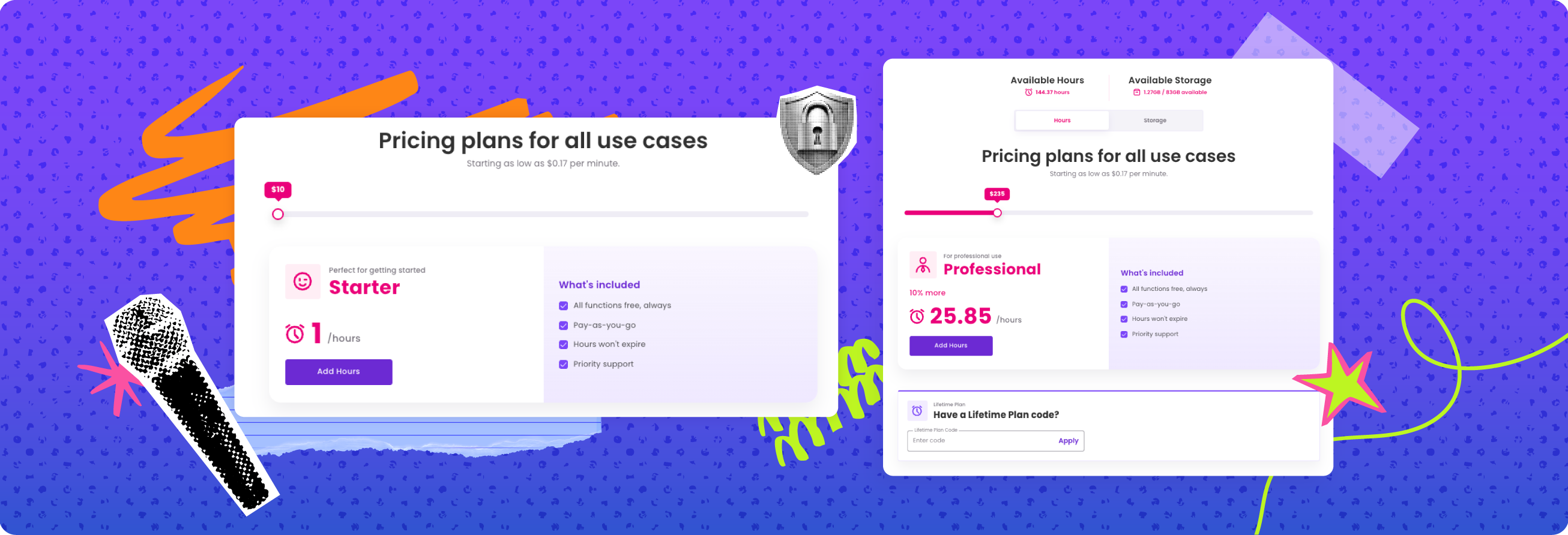
A flat usage-based model is simpler. You know what an hour of processing costs. You don't have to reverse-engineer seat limits, workspace logic, or layered plans just to estimate next month's bill. That matters for freelancers, startups, and teams with uneven upload volume.
This is one reason specialized platforms stand out. The pricing is easier to map directly to work completed. You pay for utility, not platform sprawl.
Privacy is not a footnote
A lot of buyers treat privacy as a line item until they upload something they shouldn't have.
Interviews with unnamed sources, internal strategy calls, legal recordings, medical discussions, customer research, and unreleased media all raise the stakes. At that point, the question is not just whether the transcript is accurate. It's whether the vendor's data practices are clear, limited, and defensible.
Not every user needs the same level of protection. A creator captioning public-facing content has a different risk profile than a legal operations team. Still, privacy should be easy to understand before upload, not buried behind vague language.
A no-data-training promise is a meaningful differentiator here. It addresses one of the biggest concerns in AI software: the fear that uploaded content becomes product fuel. For organizations handling confidential material, that concern is not hypothetical. It affects procurement, internal approval, and user trust.
In practical terms, this is where a privacy-first platform has a stronger story. Your content is yours. Full stop. If that principle matters to your workflow, it should carry real weight in the decision.
Language support and translation depth
English-only transcription is no longer enough for many teams.
Media companies publish globally. Marketers repurpose webinars into regional campaigns. Educators reach international audiences. SaaS companies localize product demos. Researchers conduct interviews across languages. The value is not just in getting a transcript. It's in turning one recording into usable multilingual assets without starting from scratch.
Kapwing supports captioning and creator workflows that can be useful for straightforward publishing tasks. But if multilingual transcription and translation are central to the job, depth matters. How many languages are supported? Can you move from transcript to subtitle to translated subtitle without rebuilding the workflow? Are exports practical for actual delivery?
A platform built for transcript and subtitle translation in 150-plus languages has a clear advantage for teams with global output. It reduces handoffs and keeps localization inside one process. That lowers turnaround time and cuts the mess that happens when transcription, subtitles, and translation live in separate tools.
Simplicity is a feature
Most transcription buyers are not looking for another software project.
They want to upload a file, get a reliable transcript, identify speakers, export the format they need, and move on. The more menus, timeline steps, and workspace decisions that get in the way, the more the tool starts taxing the team instead of helping it.
This is where product philosophy shows up in real use. Kapwing can make sense if you want a creative workspace with many media actions available at once. But if that breadth adds friction to a simple transcription task, it's the wrong kind of flexibility.
A stripped-down workflow is often better. Upload. Transcribe. Edit if needed. Generate subtitles. Translate. Export. Done. That is especially valuable for users who process content regularly but do not want to train a team on a complex platform.
For infrequent users, simplicity matters even more. If you only need transcription once in a while, you should not have to relearn the interface every time.
Who should choose which tool?
Kapwing is a reasonable fit for creators who already live inside browser-based video editing and want transcription as one piece of a larger content assembly workflow. If your main goal is making social videos quickly and transcription is secondary, the integrated approach can be convenient.
A specialized transcription platform is the stronger fit for professionals who care about predictable usage-based pricing, confidentiality, multilingual processing, and clean media-to-text execution. That includes journalists, marketers, legal teams, researchers, agencies, podcasters, and internal media teams.
It also suits people who are tired of software that makes basic work feel bigger than it is. Not everyone needs a full creative suite. Sometimes you just need accurate transcripts, subtitles that are ready to publish, and translations that do not slow the project down.
DUB-DUB.ai fits that lane well because the value proposition is direct: fast transcription, speaker identification, subtitle generation, translation in 150-plus languages, flat per-hour pricing, and a clear no-data-training stance. Everything you need. Nothing you don't.
The real question behind DUB-DUB.ai vs. Kapwing for AI transcription
This comparison is not really about which platform has more features on a page. It's about which one wastes less time and creates fewer compromises for the way you work.
If you want transcription bundled into a broader editing environment, Kapwing may be enough. If you want a cleaner, more cost-efficient, privacy-first system built around transcripts, subtitles, and translation, a dedicated platform is the better bet.
Pick the tool that matches the job, not the marketing category. The best transcription workflow is the one your team can trust, afford, and use without thinking twice every time a file lands in the queue.